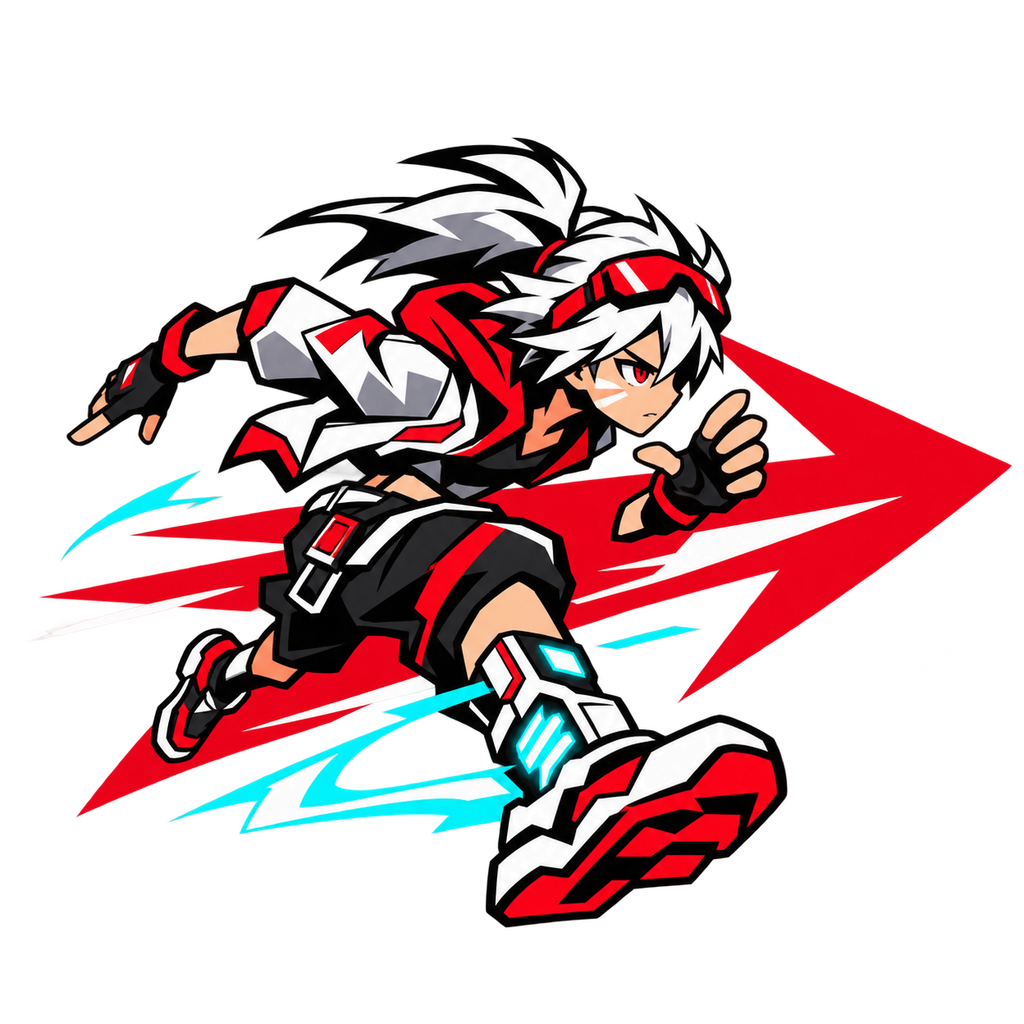
Boost Vector EX Beginner Guide: Master Movement, Racers, and Your First Circuits
New to Boost Vector EX? This beginner guide covers movement combos, Vector Masters, controls, story pacing, and smart first-session goals.
So you just picked up Boost Vector EX and your first run ended with your Vector Master face-planting into a wall at full speed. That's normal. This Boost Vector EX beginner guide is built around one idea: the game rewards momentum management, not raw speed, and the fastest way to improve is to understand how its movement pieces fit together before you chase leaderboard times. Released on November 2, 2026, by developer Blockage, Boost Vector EX is a parkour racer where you chain slides, charge jumps, wall-rides, and boosts across handcrafted circuits — and a good Boost Vector EX beginner guide should teach you that rhythm instead of just listing buttons.
Below, you'll find practical first-session advice, a breakdown of what each movement tool does, how to pick a Vector Master, and how to avoid the most common early mistakes.
What Kind of Game Is Boost Vector EX?
Boost Vector EX is not a traditional racing game where you steer a vehicle around an oval. According to the official Steam listing, you control a Vector Master through environments designed for fast traversal, and the core appeal is carrying speed through a circuit rather than simply hitting a high number.
| Feature | What the Official Listing Says |
|---|---|
| Genre | Parkour racer with high-speed movement |
| Developer / Publisher | Blockage |
| Release date | November 2, 2026 |
| Steam app ID | 3832030 |
| Platforms | Windows, macOS, Linux |
| Price check (Nov 4, 2026) | $17.99 on sale, $19.99 regular |
| Modes | Single-player, multiplayer, online PvP, cross-platform multiplayer |
| Steam features | Achievements, Cloud, leaderboards, Family Sharing |
Two things stand out for newcomers. First, there's a full narrative campaign, so you don't have to treat the game purely as a time-trial grind. Second, the store listing confirms cross-platform multiplayer — but that does not mean console or mobile editions exist. There is no official mobile, console, or Roblox version identified, so any APK or "mobile port" you see is not the Steam release.
If you haven't bought it yet, start from the official Boost Vector EX Steam store page and confirm Blockage is listed as both developer and publisher before purchasing.
The Movement Toolkit: Your Core Beginner Skills
The official description names the key actions: slides, charge jumps, side-strafes, wall-rides, tricks, and boosts. The beginner trap is treating these as separate buttons. They're meant to be linked.
| Action | What It's For | Beginner Tip |
|---|---|---|
| Slide | Maintaining low, fast movement | Practice entering and exiting a slide cleanly before adding anything else |
| Charge jump | Building height or distance from stored momentum | Learn the timing window on flat ground first |
| Side-strafe | Adjusting lateral position without losing forward flow | Use it for small corrections, not big turns |
| Wall-ride | Traversing vertical surfaces | Start on short walls to feel the entry angle |
| Tricks | Style-based actions during movement | Save these until your basic route is stable |
| Boost | Burst of speed | Treat it as a reward for a clean line, not a panic button |
Practice linking two actions, not six
A realistic first-session goal is chaining a slide into a charge jump, or a wall-ride into a boost. Once that feels natural, add a third action. Trying to memorize a six-input combo on day one usually produces chaos rather than speed.
Why momentum matters more than top speed
The official material emphasizes maintaining momentum through combinations. In practice, that means a slightly slower line you can hold is often better than a fast line you break. When you fall out of flow, you lose the speed you built — and rebuilding it costs more time than the shortcut saved.
Choosing Your First Vector Master
Each Vector Master has individual BOOST and STYLE characteristics that change how they move. That means character selection is a gameplay decision, not a cosmetic one.
| Approach | What to Do | Why |
|---|---|---|
| Compare movement, not looks | Try two or three Masters and notice how each feels | BOOST and STYLE differences affect your route options |
| Match your weakness | If you struggle with speed, favor a BOOST-leaning pick | Plays to what you need most |
| Match your strength | If you already flow well, lean into STYLE | Rewards your existing rhythm |
| Stay flexible | Don't lock in after one circuit | Different tracks may suit different Masters |
The official material does not publish a character tier list or stat breakdown, so be skeptical of any "best character" ranking presented as fact. The most reliable method is your own feel across a couple of circuits.
Your First Session: A Practical Plan
New players often bounce between modes and never learn a single route. A structured first session fixes that.
| Step | Goal | Time Estimate |
|---|---|---|
| 1 | Complete the opening story content and meet the Masters | 20–30 minutes |
| 2 | Pick one circuit and run it three times without chasing shortcuts | 15–20 minutes |
| 3 | Practice one two-action combo in a low-pressure area | 10 minutes |
| 4 | Try a second Vector Master on the same circuit | 10 minutes |
| 5 | Explore a minigame, such as Blockle, as a break | 10 minutes |
Learn one circuit before chasing shortcuts
Handcrafted circuits mean each environment — from vertical beaches to enormous skyscrapers to surreal dreamlike spaces — has its own layout logic. Learning a reliable route first gives you a baseline. Only then can you tell whether a shortcut actually saves time or just looks cool.
Don't skip the story
The campaign explores Vector Racing as an emerging sport in a setting associated with Walls, and you develop relationships with the Masters you meet. The launch announcement also mentions unlockable alternate movesets, community concept art, and minigames. Skipping dialogue won't break anything, but it does cut you off from context the game clearly intends you to have.
Settings, Accessibility, and Comfort
Boost Vector EX is a movement-heavy game, so comfort settings matter more than usual. The official listing confirms several options:
- Camera comfort options
- Custom volume controls
- Adjustable difficulty
- Playability without timed input
- Stereo sound
The listing does not detail the exact sliders or presets, so check the settings menu after installation rather than assuming a specific camera mode exists. If motion discomfort is a concern, adjust camera options before your first long session — not after.
Difficulty is adjustable, which is worth knowing early. If a circuit feels punishing, lowering difficulty to learn the layout and raising it later is a legitimate approach, not a shortcut.
Launch Issues and Troubleshooting
Blockage published a "Speedy Hotfix 1.06!" announcement on November 4, 2026, addressing several early problems. If you hit a snag, check whether it's already fixed.
| Area | Reported Fix |
|---|---|
| Big Blue | Adjusted a wall-run collider and fixed several fallout points |
| B Stadium(s) | Fixed a checkpoint that could leave racers stuck |
| Homeline | Fixed a problematic spawn point |
| macOS | Added another potential fix (not guaranteed by the developer) |
| Dialogue | Fixed character-code display under certain language conditions |
| Text | Corrected various typos |
If the game won't launch, work through this order: confirm downloads and updates finished, recheck your OS requirements on Steam, verify installed files through Steam, then note the exact error and when it appears. The developer has said more content is planned, but no firm schedule or roadmap was included in the announcement.
Common Beginner Mistakes to Avoid
| Mistake | Better Approach |
|---|---|
| Mashing every action at once | Build combos two at a time |
| Ignoring character differences | Test BOOST and STYLE variations |
| Chasing records immediately | Build consistent runs first |
| Skipping updates | Let Steam finish patching before playing |
| Using third-party downloads | Buy through Steam only |
That last point deserves emphasis. Repacks, cracked installers, and download mirrors are not legitimate distribution routes identified in the official material. Pages asking you to disable security software or install a "download manager" are red flags.
FAQ
Is this Boost Vector EX beginner guide enough to get started?
Yes. It covers the movement basics, character selection, and a first-session plan. From there, the best next step is repetition on a single circuit, since the game rewards route knowledge as much as input skill.
Do I need to play multiplayer right away?
No. The listing confirms single-player and online PvP, but there's no requirement to jump into competitive play early. Building consistent solo runs first gives you a much better foundation.
Which Vector Master should a new player pick?
There's no officially published ranking. Compare how a couple of Masters actually move, since BOOST and STYLE characteristics change your handling, then pick whichever suits your current weakness.
Where should I buy Boost Vector EX?
Through Steam, under app ID 3832030, with Blockage listed as developer and publisher. Confirm the current regional price on the store page, since the $17.99 figure was a dated check from November 4, 2026, not a permanent offer.